COMMISSION FLOW
How to Commission via VGen
Thank you for your interest!
If this is your first time commissioning, please don't worry. Here is a simple step-by-step guide!
⚠️ Important Notice⚠️
Skeb-Style Commissions
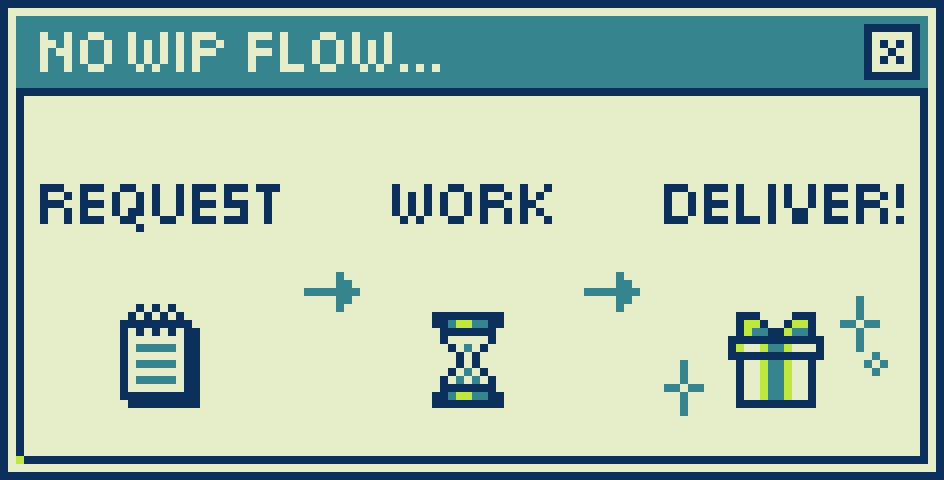
All my commissions are "Skeb-style"
(NO WIPs, NO Revisions).Once your request is approved, I will carefully craft your character and deliver the final product directly!
Please provide all necessary details upfront.
Step 1
Prepare Your References
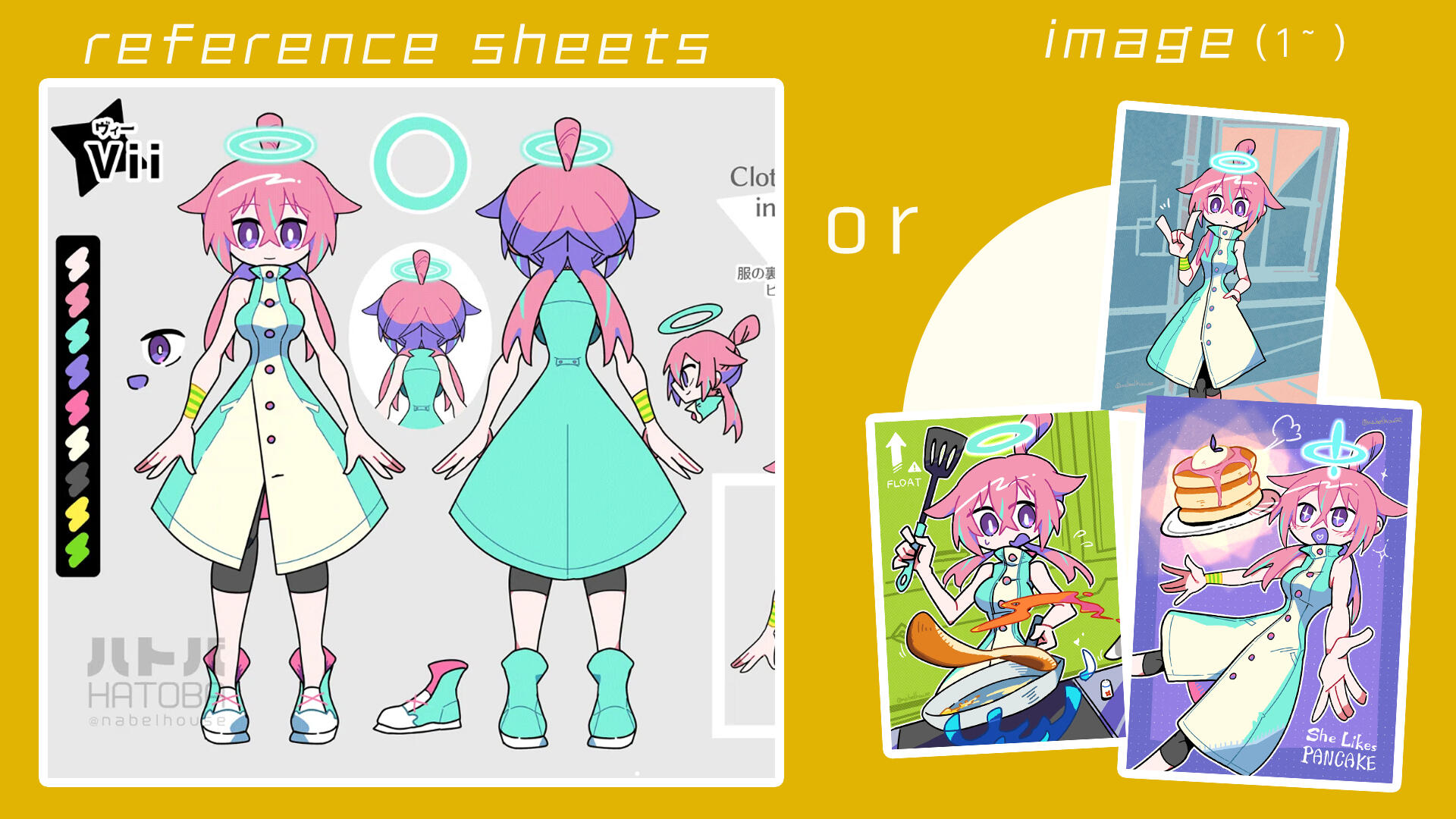
• Please have your character's reference sheets or images ready.• Brief details about their personality (e.g., chill, energetic) are very helpful!
Step 2
Submit a Request
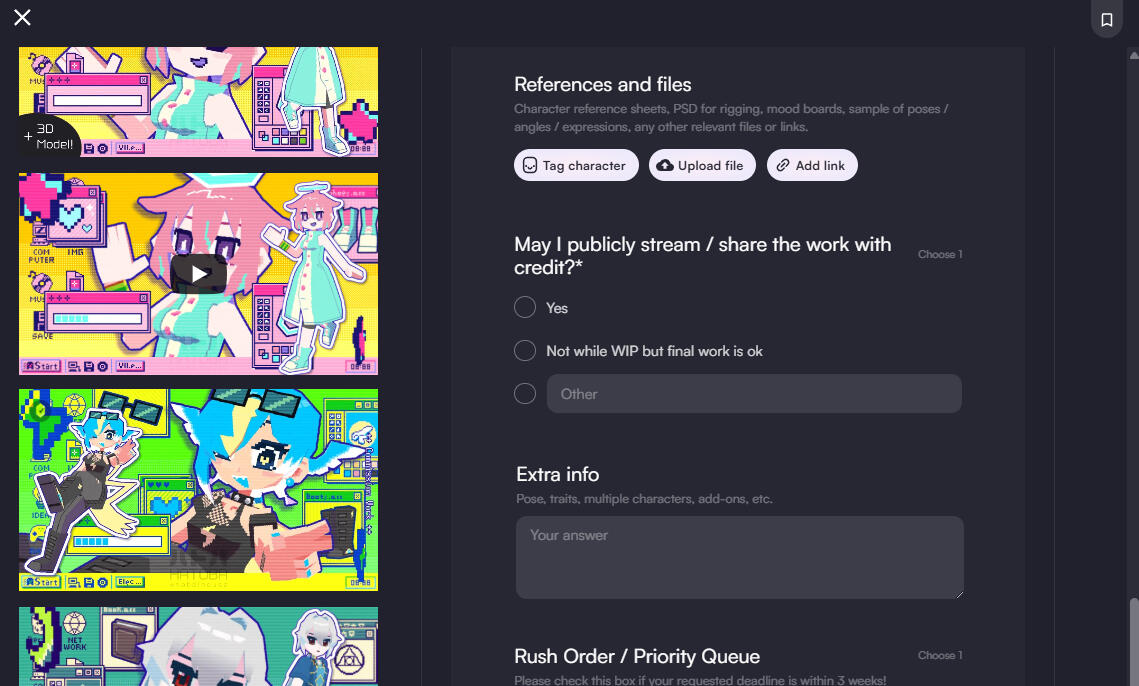
• Go to my VGen page and select the service you want (e.g., Banner Cut-in, StreamBackground Loop).• Fill out the form. If you're unsure about anything, just leave it blank or ask me!
Step 3
Proposal & Payment
• I will send you a "Proposal" (quote) based on your request.• If you agree with the price, you can accept it and pay securely.
🪙Payment methods🪙
• You can pay via PayPal, or use Credit Card / Apple Pay / Google Pay (securely processed via Stripe).• Note: You do not need a Stripe account to pay with a credit card!
Step 4
WIP & Delivery
• Once payment is complete, I will start working!• As mentioned, my process is Skeb-style, so there will be no WIP checks.• When the artwork is complete, I will deliver the final files directly through VGen!
Bring your imagination to life!
Check out my Commission info below!
└ 3D model & Illust
└ Smooth art requests (Artistic Freedom)